






Select your storyteller
Memory Box instantly organises your photos, then helps you and your family add memories to each one. Private and free to use.
Organise your family photos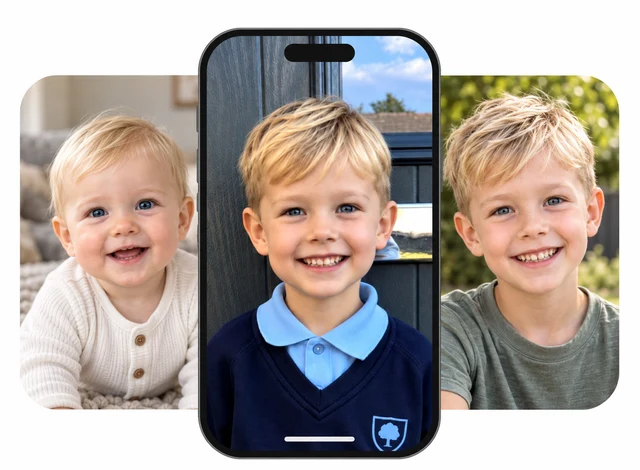
Upload family photos, add the story behind them, and share with the people closest to you.
Your family photographs and the stories attached to them are gathered into one downloadable archive, so they remain private and owned by you.
Your archive includes built-in checks that help make sure your photographs and stories stay complete and unchanged over time.
Open formats and an open-source viewer keep the archive accessible without an account, subscription or internet connection.


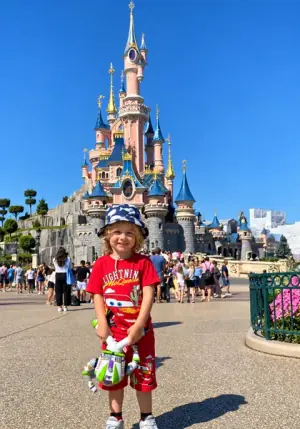
The stories behind family photographs, and the memories people associate with them, are part of your family’s history. Preserve them now so they can be heard and passed down for generations.
Lily works quietly behind the scenes to find familiar faces, group photographs of the same people and help your family organise who appears in each photo.
If you’re not sure what to say, Lily can help you get started with thoughtful questions.
Find recurring faces and group photographs of the same person.
Keep the people in each photograph identified and connected.
Help someone bring a memory to life with guided questions.

Memory Box can help you capture the memories associated with your photos. Not sure which photo to add a story to? Start with one of these five
Read the articleUpload a photo to Memory Box, open it and choose Add story. Record yourself describing the moment and save your story with the photograph.
Choose a family photo and invite your grandparent to tell its story. Memory Box helps you capture their memories in their own voice.
Start with who’s in the photo, where you were and what happened. If you get stuck, Memory Box’s assistant, Lily, will suggest questions.
Share a photo or album through Memory Box and invite others to record their memories. Each person’s story stays with the photograph.
Memory Box keeps stories with their photographs. Export a copy to keep and open without an account or internet connection.
Visit our news page for the latest updates and new feature announcements from Memory Box.
I love it. A great way to add memories to photos, and great that it’s free.
This looks like a great way to easily preserve memories, big and small.
I listened to the stories. They look and sound great.
What a wonderful idea.
Hearing their little voices back is my favourite part.
It gave us an easy reason to sit down, ask questions and preserve the stories we always assumed we would remember.
It feels reassuring to know that these memories are together.
Talking with your child about past experiences can help them develop richer memories and storytelling skills.


